
Step 1: Sign up for an AK Dropshipping account and log in
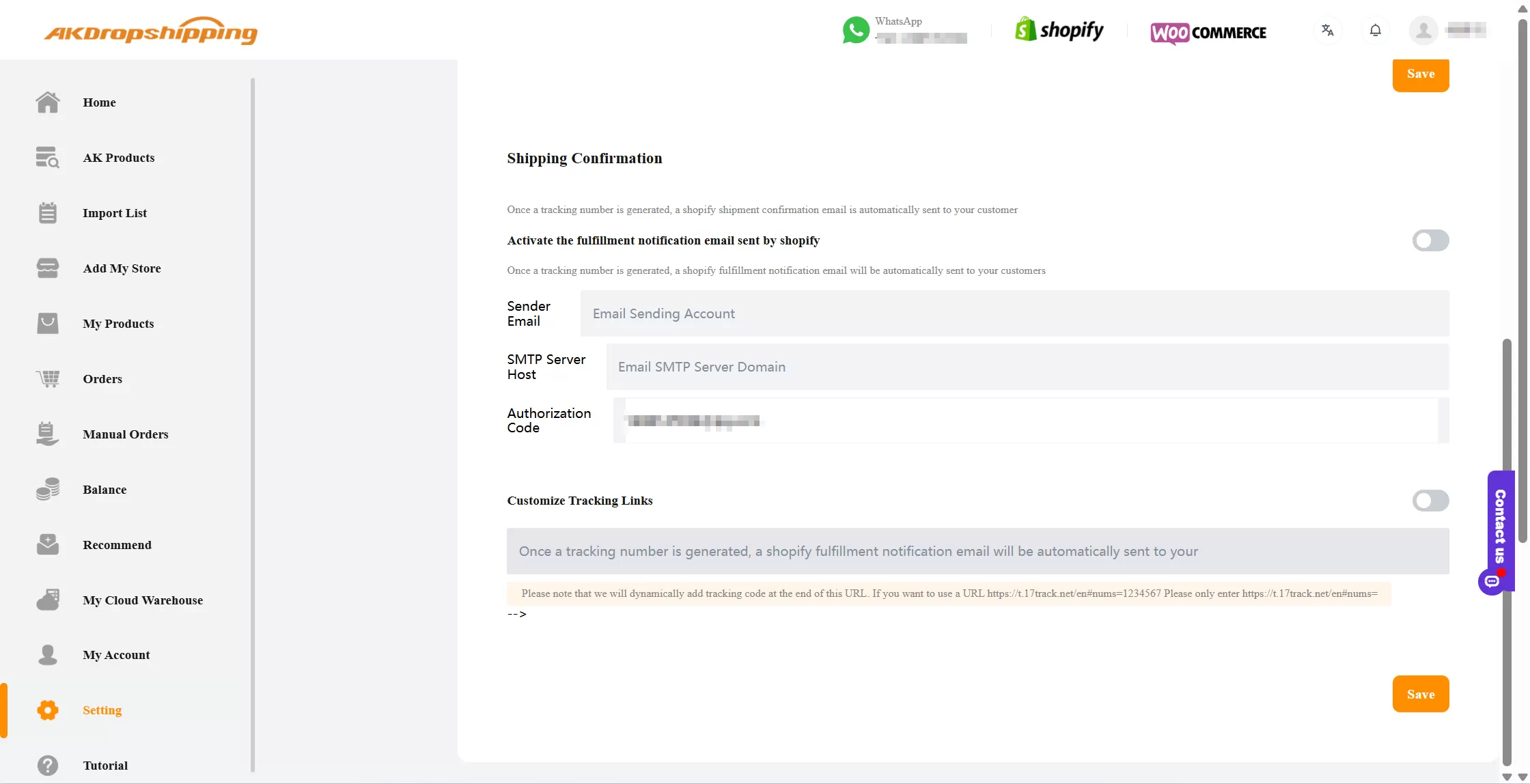
Shipping Confirmation
Step 2: Connect your online store with AK Dropshipping
Easily link your store to AK Dropshipping to automate product sync and order fulfillment.
Supported platforms:
For other platforms, you can create manual orders on AK Dropshipping using our Excel Order Template.
Step 3: Get your private salesman
Enjoy 1-on-1 customer service with a private salesman.
Contact us to get a manager code
Enter the manager code on the dashboard after logging in and click Confirm Binding
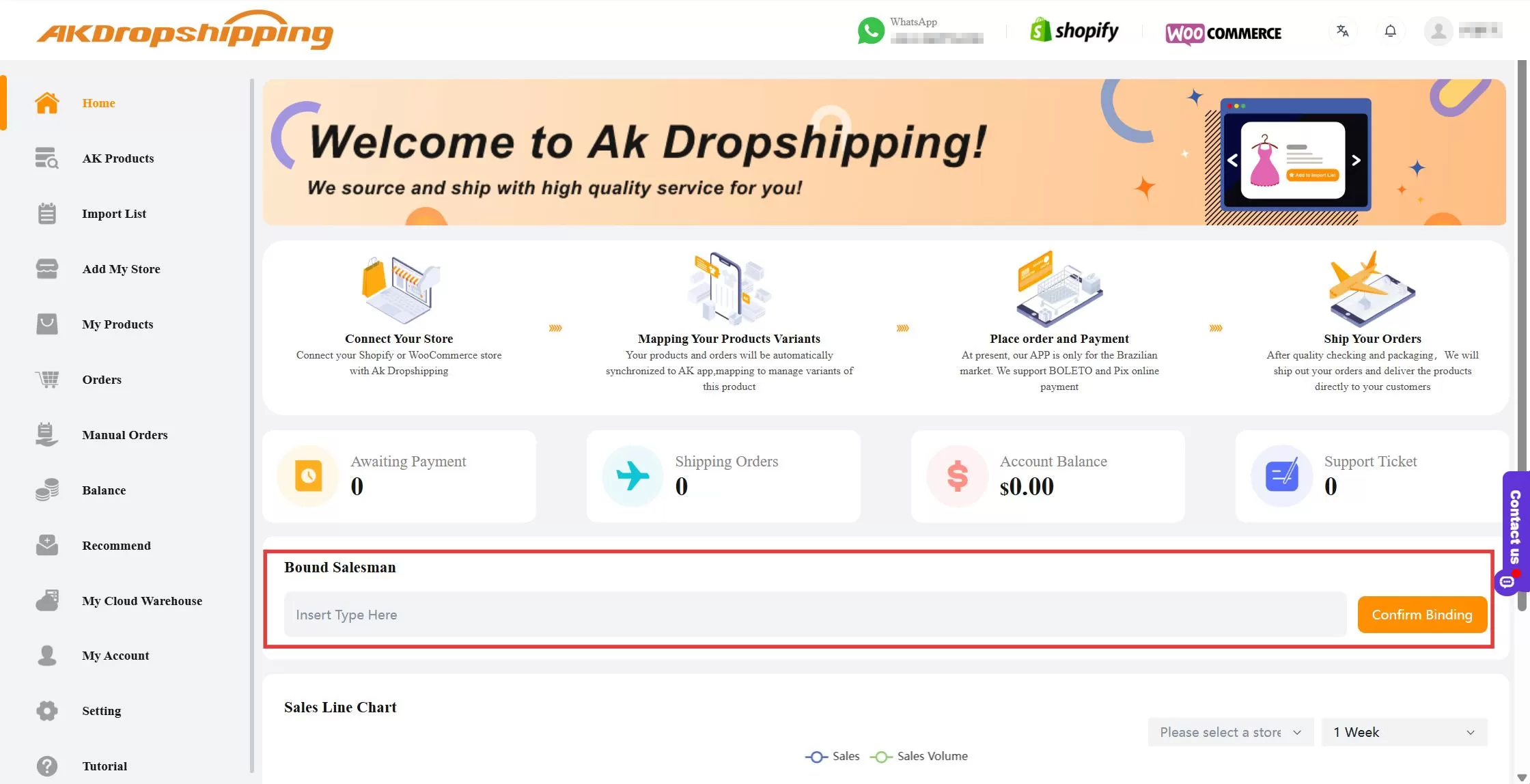
AK Dashboard - Bound Salesman
You’ll now have direct support for any questions or assistance.
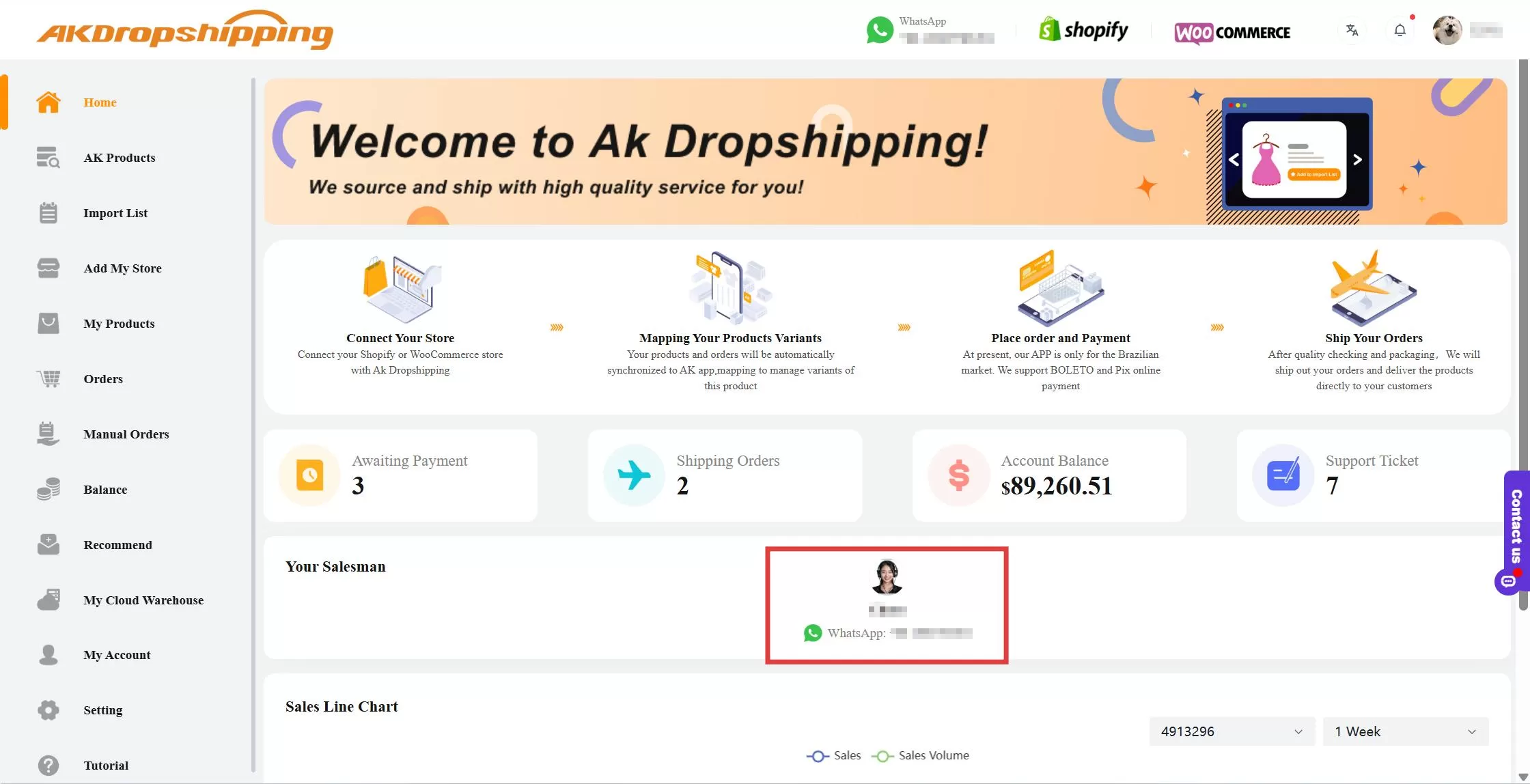
AK Dashboard - Private Salesman
Step 4: Find and import products to your store
Note:
If you don’t find the product your want in AK Products, please contact your private salesman with links or images, so we can check and find the exact product for you.
Step 5: Connect your products with AK Dropshipping
Products imported from AK Dropshipping will be automatically connected
For your existing store products, go to My Products - Awaiting Connect and click the connect icon to map product variants.
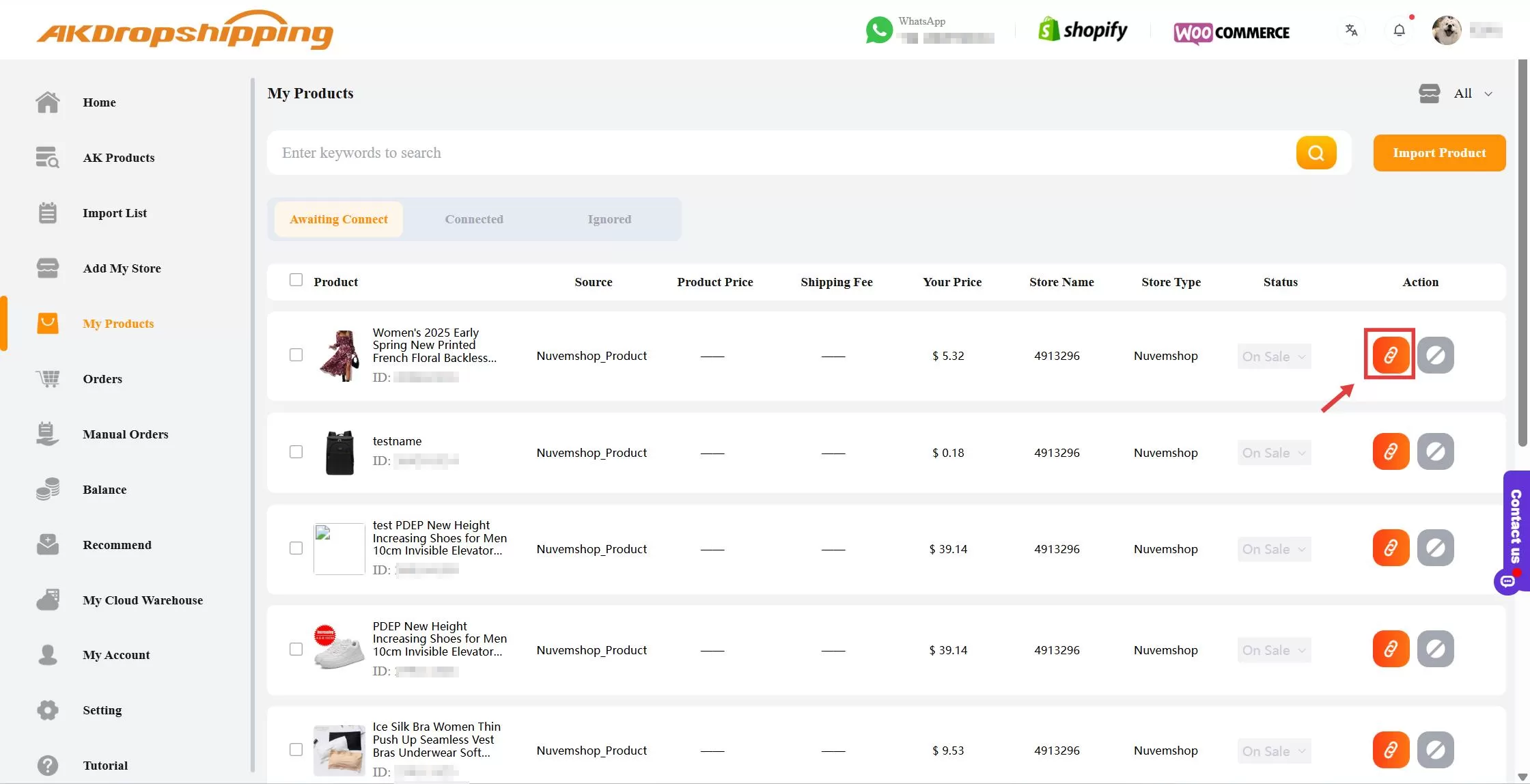
AK - My Products
Step 6: Orders and payments
Once the products are connected, your orders will sync automatically to Orders - Awaiting Payment. You can make payment by Paypal, Payoneer, Boleto Bancário, Pix and AK balance.
Note: You can make batch payment (up to 500 orders at once) here if you need.
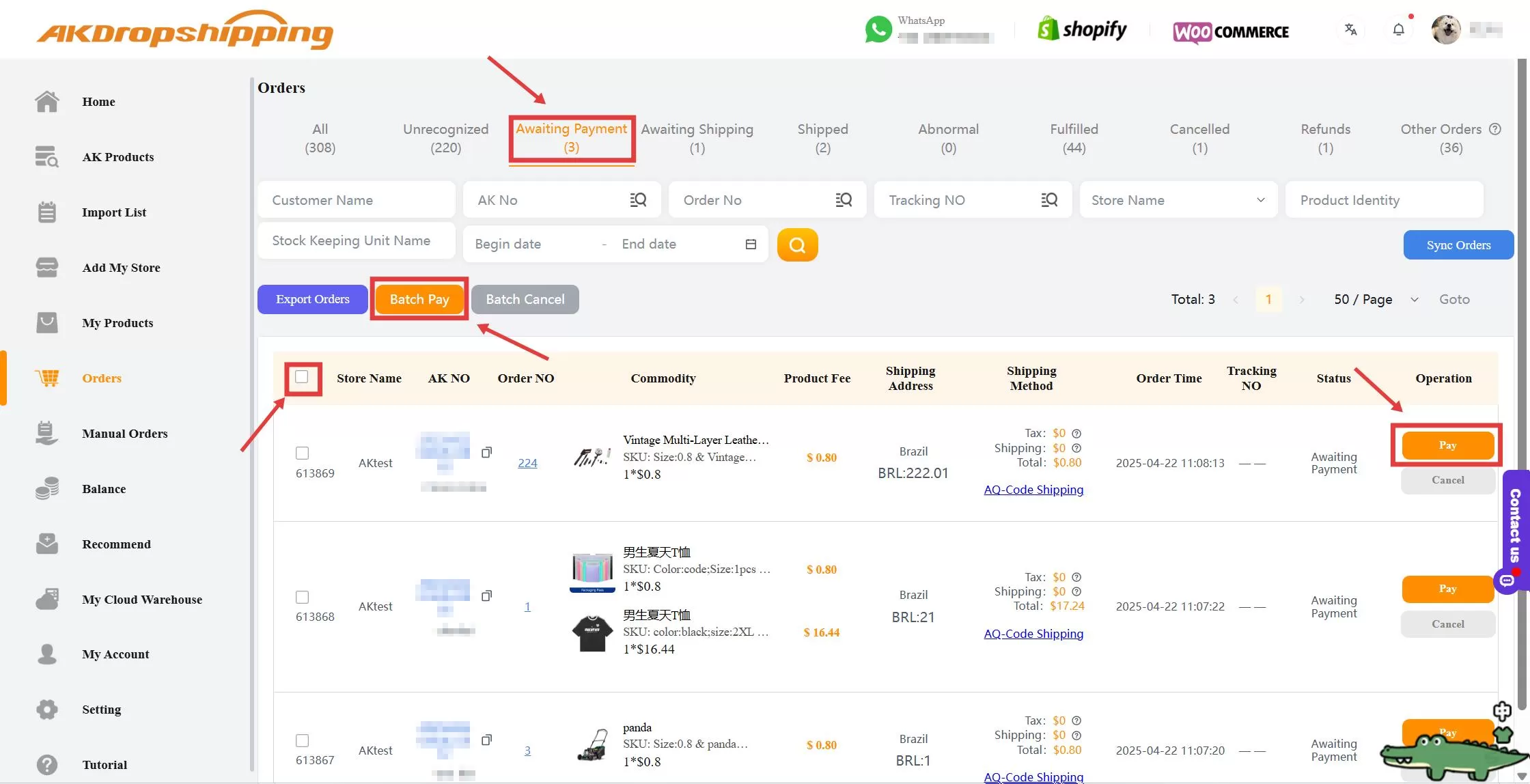
Orders - Awaiting Payment
Step 7: Order fulfillment
After payment, we will purchase the products and start processing.
Processing time:
24 hours if inventory is in our warehouse;
3-5 days if not pre-stocked
Step 8: Order tracking
Once shipped, tracking numbers will be automatically updated in your store
Your store platform will notify your customer with an email that includes the tracking link
Step 9: After-Sales Service
If there are issues with an order:
Contact your private salesman directly
File a dispute via Orders - Shipped
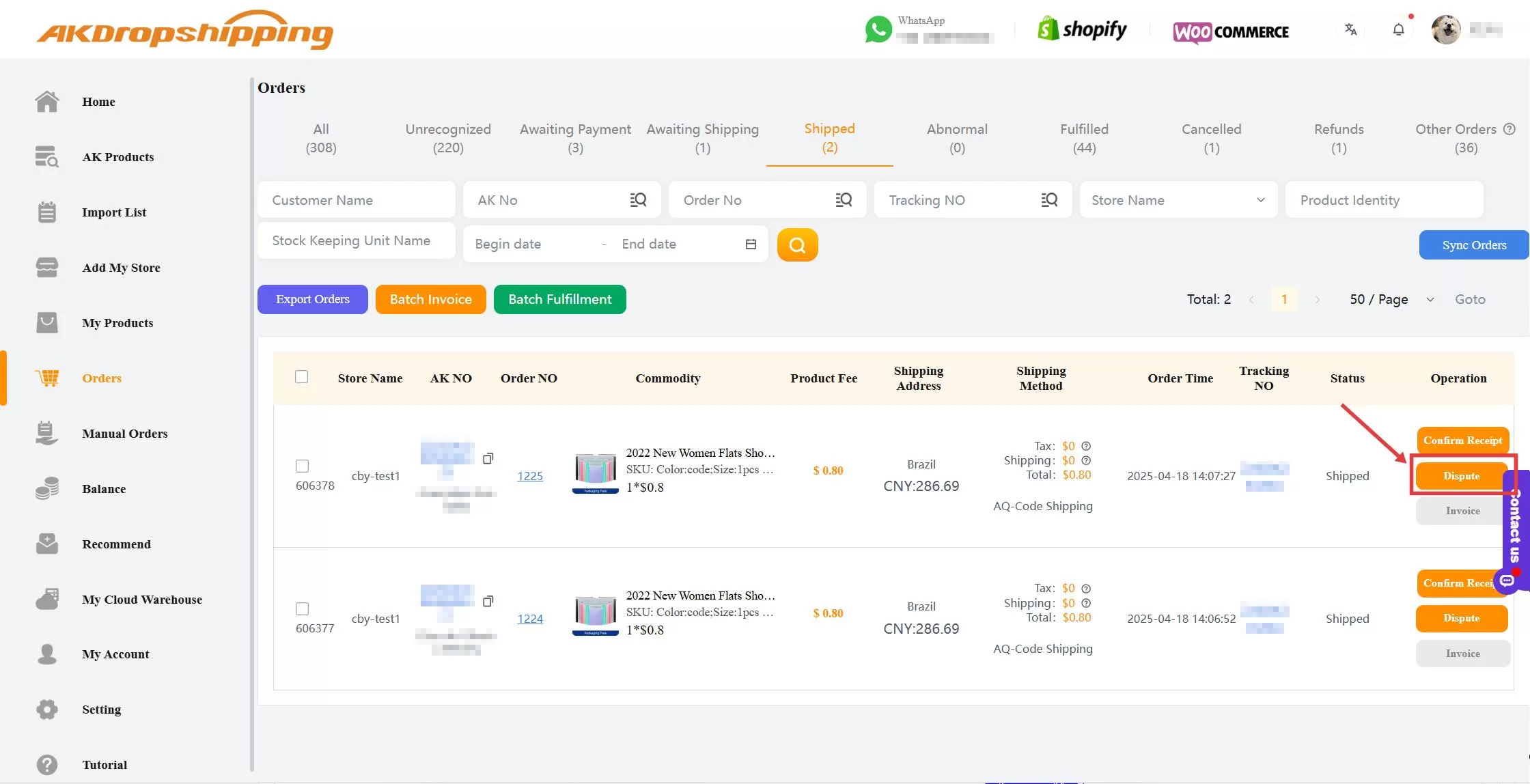
Orders - Shipped

