
Getting started with AK Dropshipping is simple and fast. Whether you're a new seller looking to launch your online business or an experienced e-commerce entrepreneur, this guide will walk you through the steps to create your AK Dropshipping account and access our automated fulfillment.
Step 1: Visit the AK Dropshipping Website
Open your browser and go to our website. Once you're there, click the Sign Up button in the upper right corner of the page.
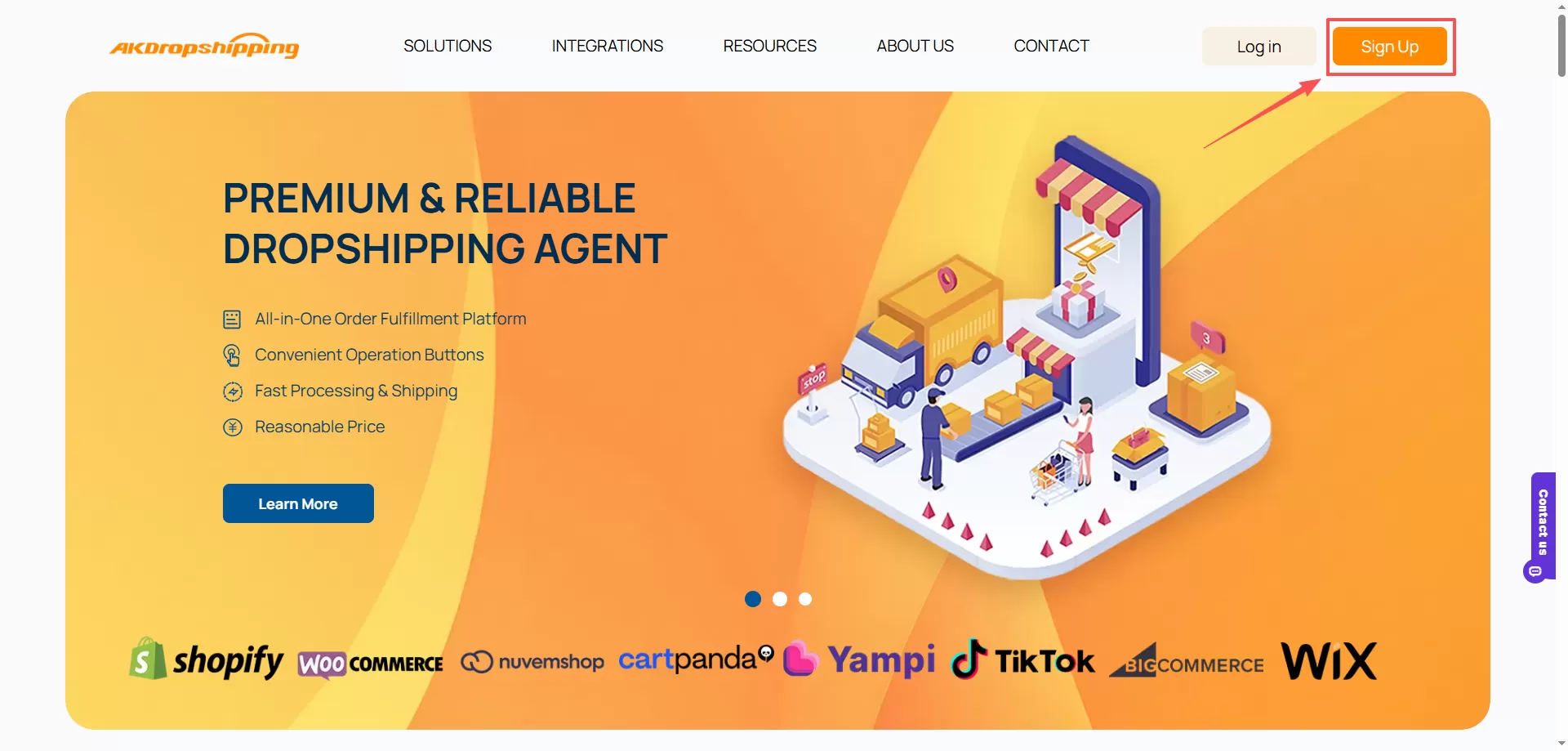
AK Dropshipping Website
Step 2: Fill Out the Registration Form
Clicking the Sign Up button will take you to our registration form. There are two methods for you to create the AK account, that is, phone number and email address. Now you can fill in the following details below.
-Register via Phone Number
The default registration method is mobile phone registration.
User Name: Enter the name you want to display on the dashboard
Telephone Number: Select the corresponding country code, enter the valid phone number, and click the Get Verification Code button
Verification Code: Enter the verification code after receiving it
Password: Create a strong password to protect your account
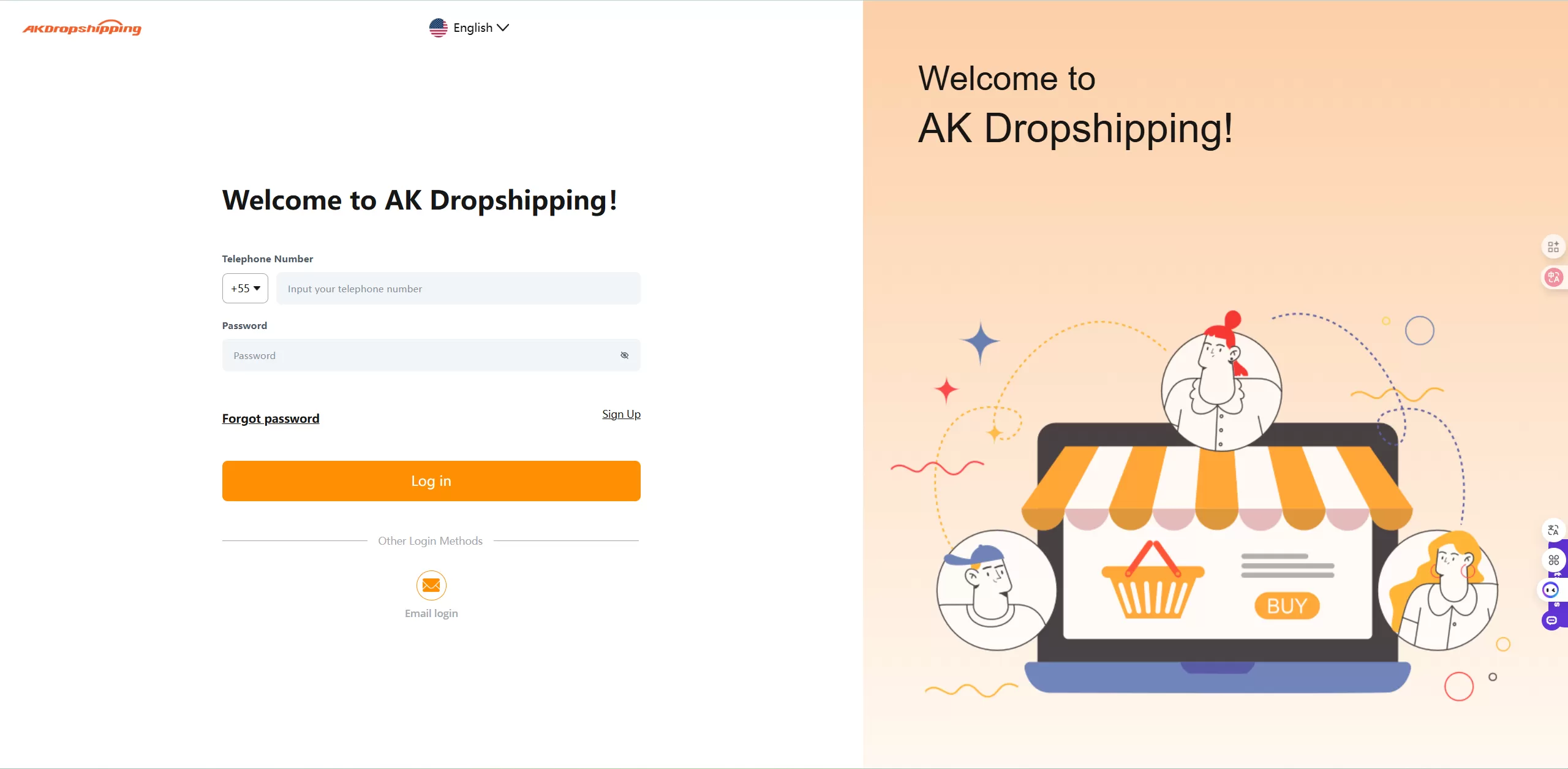
Register - Telephone Number
-Register via Email Address
If you fail in registering via phone number, a sentence Can't receive the mobile verification code? Please go to Email Sign Up will pop up below. Click the Sign Up button in the sentence to register via email address.
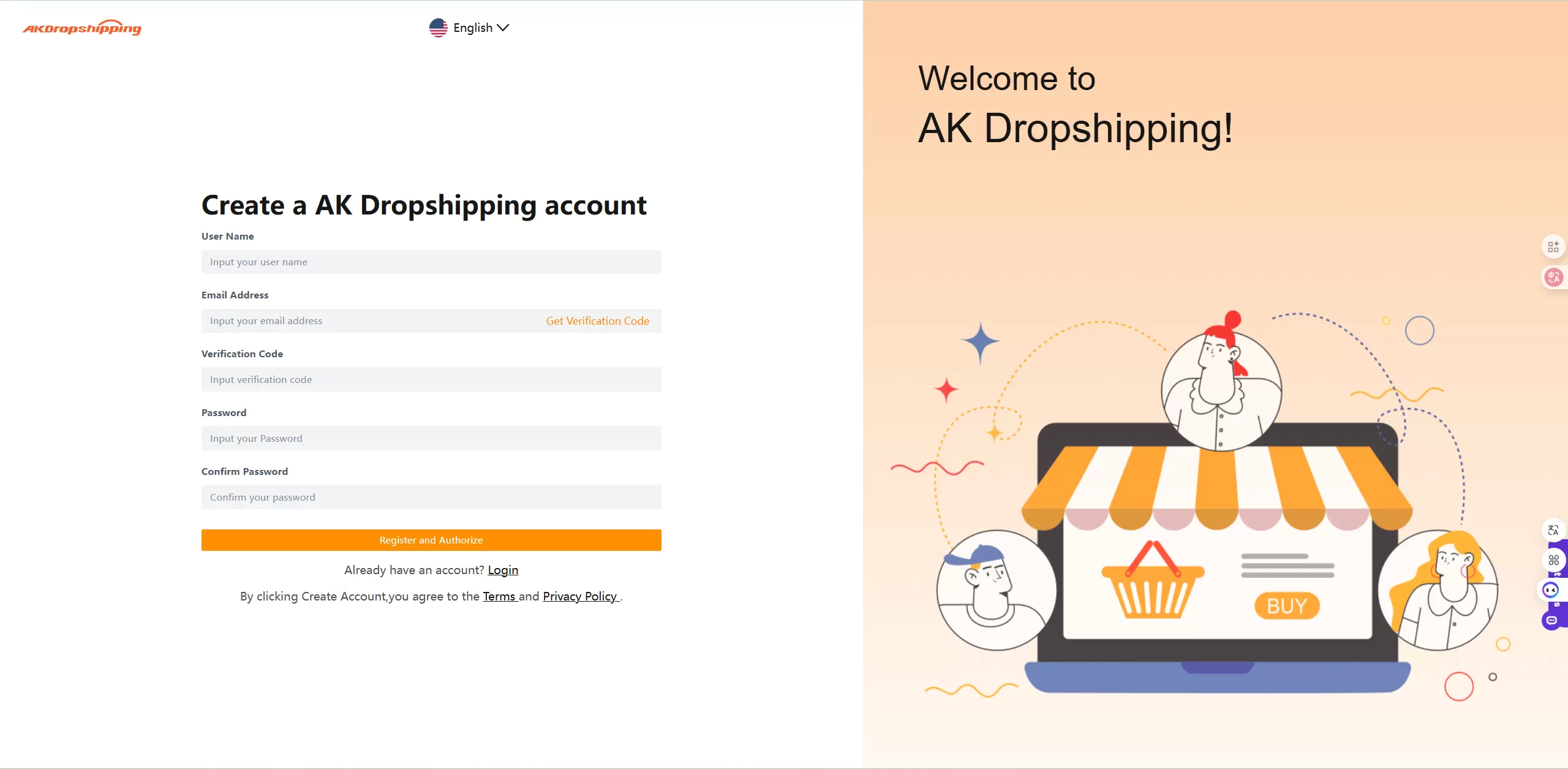
Register - Email Address
Step 3: Log in to Your Dashboard
Once your phone number or email is verified, return to the website and log in using your registered phone number/email and password. You will have access to your personal AK Dropshipping dashboard now.
Optional: Complete Your Settings
To optimize your experience, head to your account Settings and complete your profile.

